A grade-wide club has every student in one or more grades as a member, without anyone having to join. Select every grade and it becomes a school-wide club. Only an administrator can set this up.
Students in those grades who sign up later are added automatically, so nobody has to keep the roster up to date.
What it is for
- A grade-wide club. A grade dean posts announcements to every student in a grade, shares files with them, and takes attendance at the grade's events.
- A school-wide club. Every grade is selected, so the club reaches the whole school: events such as the club fair, a handbook in its files, attendance at an assembly.
Set it up
- Open the club and select its Members tab.
- Click Invite.
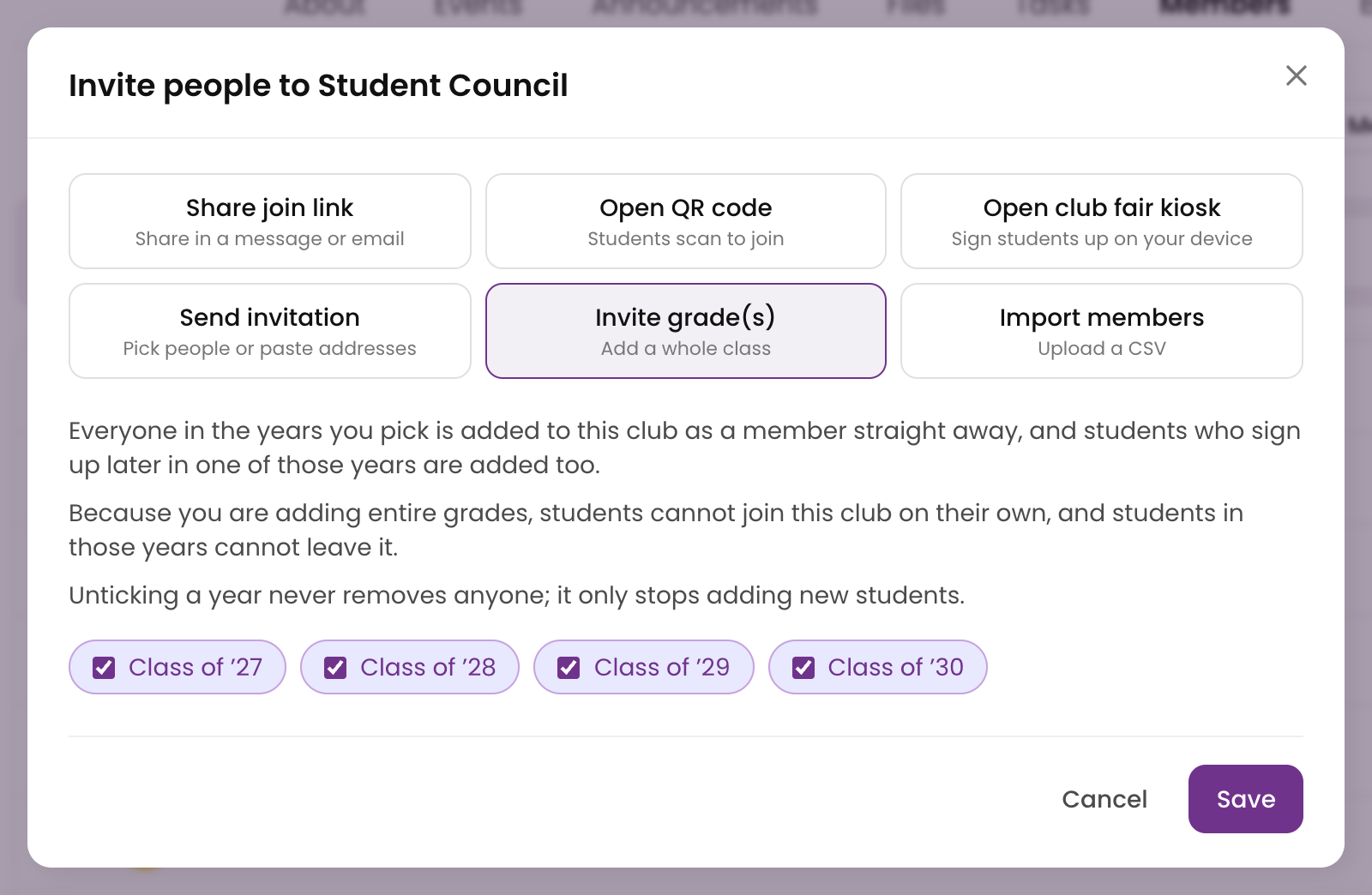
- Choose Invite grade(s). Only administrators see it.
- Select the grades to add, such as Class of ’28. For a school-wide club, select every grade.
- Click Save.
Every approved student in the selected grades becomes a member at once. Nobody is emailed or notified, and students who were already members stay as they are.
Teams in Athletics work the same way.
Select the new grade every year. A new grade is never selected for you. On a school-wide club, open Invite grade(s) after July 1 each year, select the incoming grade, and click Save.
Students who join later
The grades you select stay with the club. A student in one of them is added as a member automatically when they sign up and are approved, or when an administrator moves them into a selected grade. They are not emailed, and the club appears among their clubs.
What students can do
A grade-wide club decides its own members, so students do not join or leave it as they do other clubs.
| A student in a selected grade | Any other student | |
|---|---|---|
| Joins on their own | No | No |
| Leaves on their own | No | Yes |
- Join does not appear for any student, so the club's join link and QR code do not add anyone either.
- A student in another grade joins only when a club leader, faculty advisor, or administrator invites them or adds them from Invite → Send invitation. They can leave like any other club.
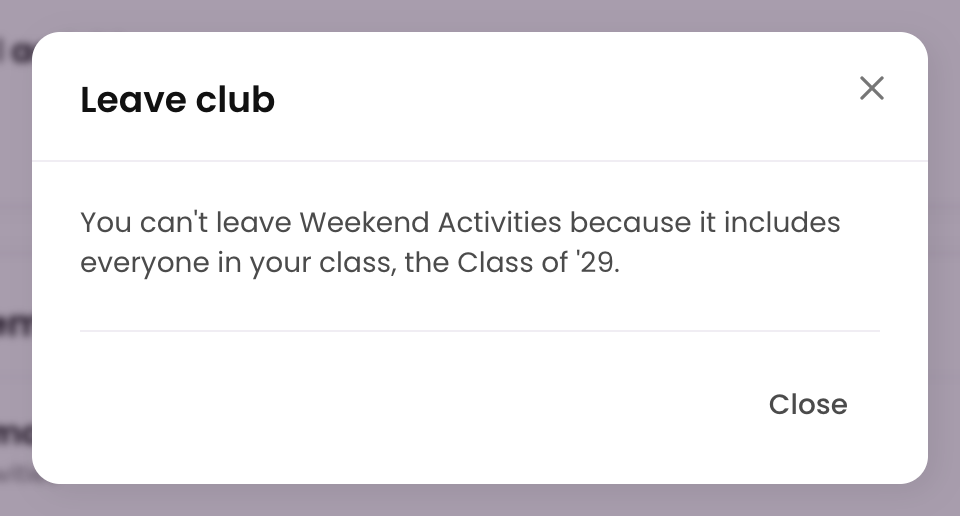
- A student in a selected grade who chooses Leave club is told why they cannot.
Unselect a grade, or end a grade-wide club
- Unselect a grade and click Save to stop adding its new students. Nobody is removed, and students in that grade can then leave on their own.
- Unselect every grade and click Save to make it a regular club again. Its members stay, and students join and leave as in any other club.
- To take students out, remove them on the Members tab, one at a time or all at once with Bulk Remove Members.
When seniors graduate
When you graduate seniors, they leave all their clubs, school-wide and grade-wide clubs included.
Frequently asked questions
Can a club leader or faculty advisor make a club grade-wide?
No. Only administrators see Invite grade(s). Club leaders and faculty advisors invite people one at a time, as in Invite Club Members.
Do students get an email when they are added?
No. Saving the grades sends no email and no notification, and neither does adding a student later.
Why can't a student find the Join button?
The club takes whole grades, so no student joins it on their own, whatever their grade. Invite them, or select their grade.
I removed a student and they came back. Why?
A student in a selected grade is added again the next time an administrator clicks Save on the grades. Unselect their grade first if they should stay out.
Quick summary
- Members → Invite → Invite grade(s), select the grades, and click Save. Administrators only.
- Every approved student in those grades is added now, and new students as they are approved.
- No student joins on their own. Students in a selected grade cannot leave.
- Unselecting removes nobody. Unselect before removing students, or the next Save adds them back.
- On a school-wide club, select the incoming grade each year after July 1.